Area
Teaching Demonstration
The following demonstration shows the teaching procedures of Area by using ARGEO Portable.
Calculate the actual area of regular-shape object.
Select a“Preset Terrain
 ”or use“Terrain Modifying
  ”function to form a terrain. The following example is to calculate the actual area of Pond E in “地圖Map B Preset Terrain”
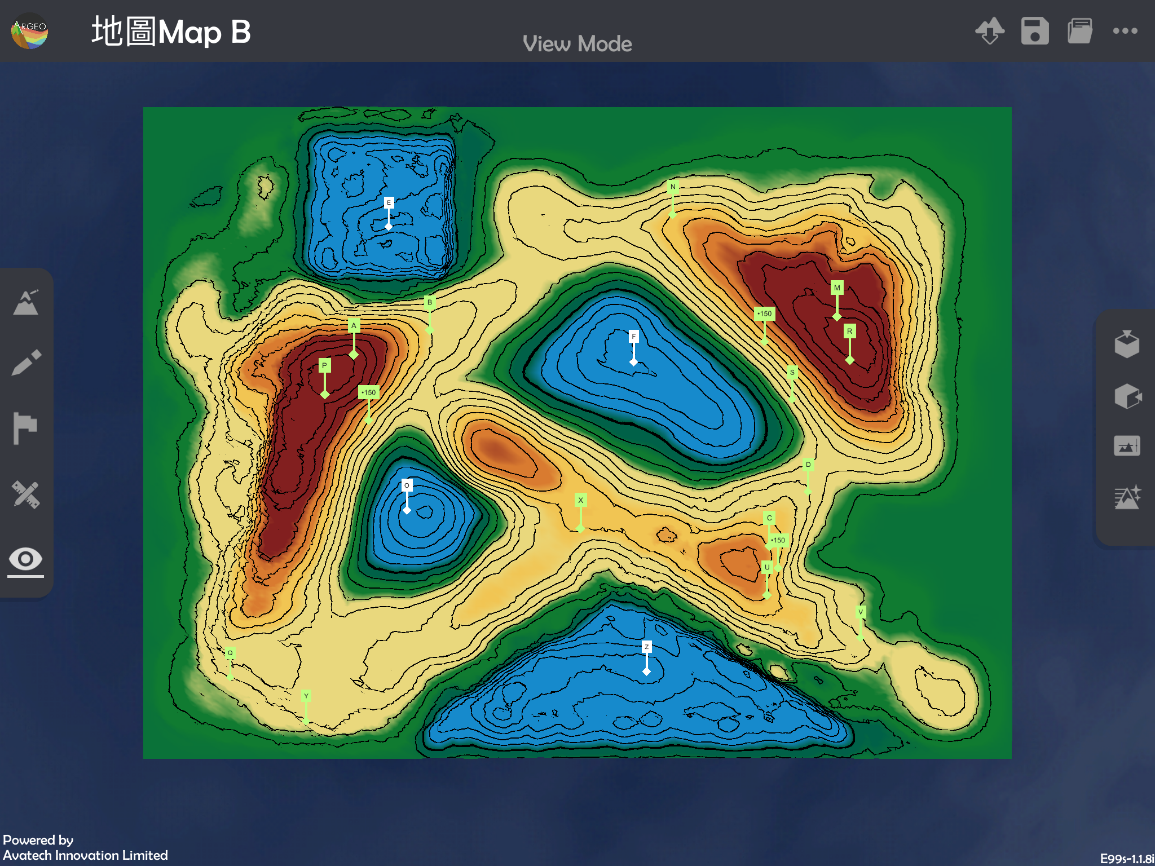
Apply “Map View
 “.
“.
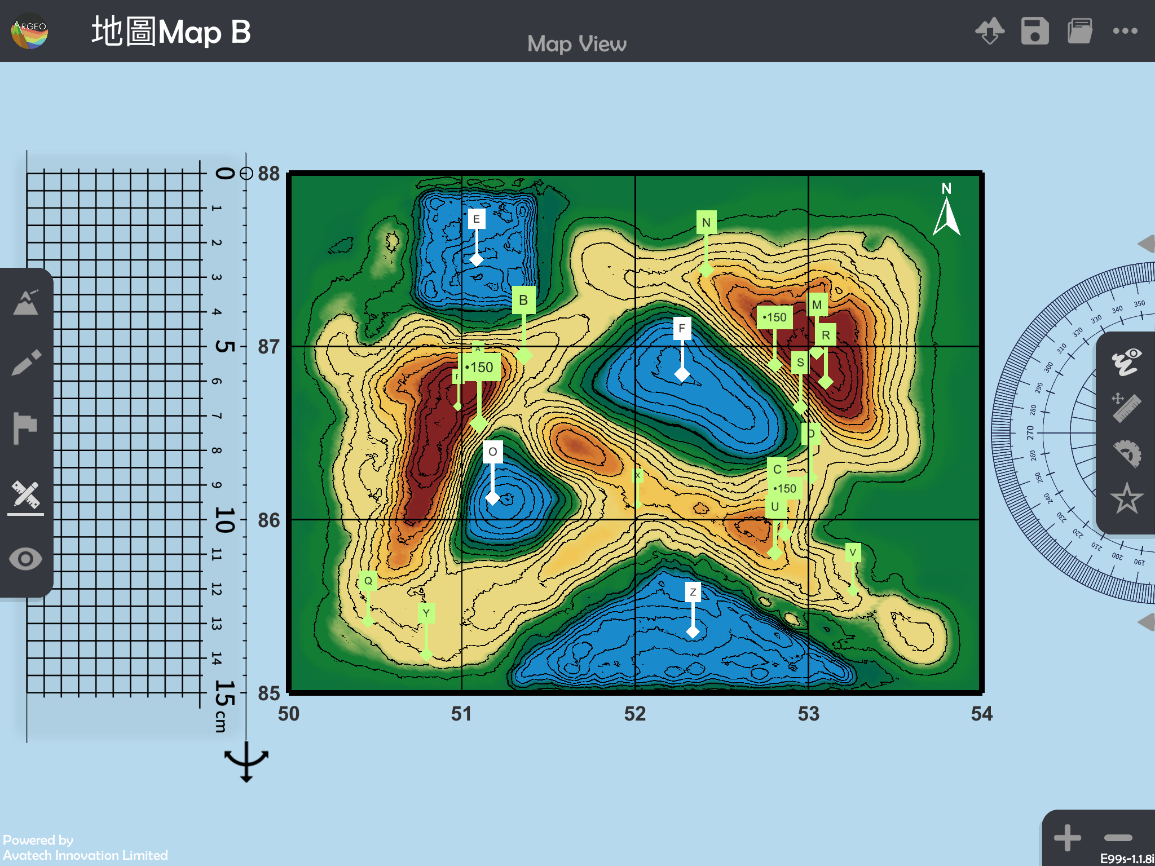
Apply “Get Ruler
 ”.
”.
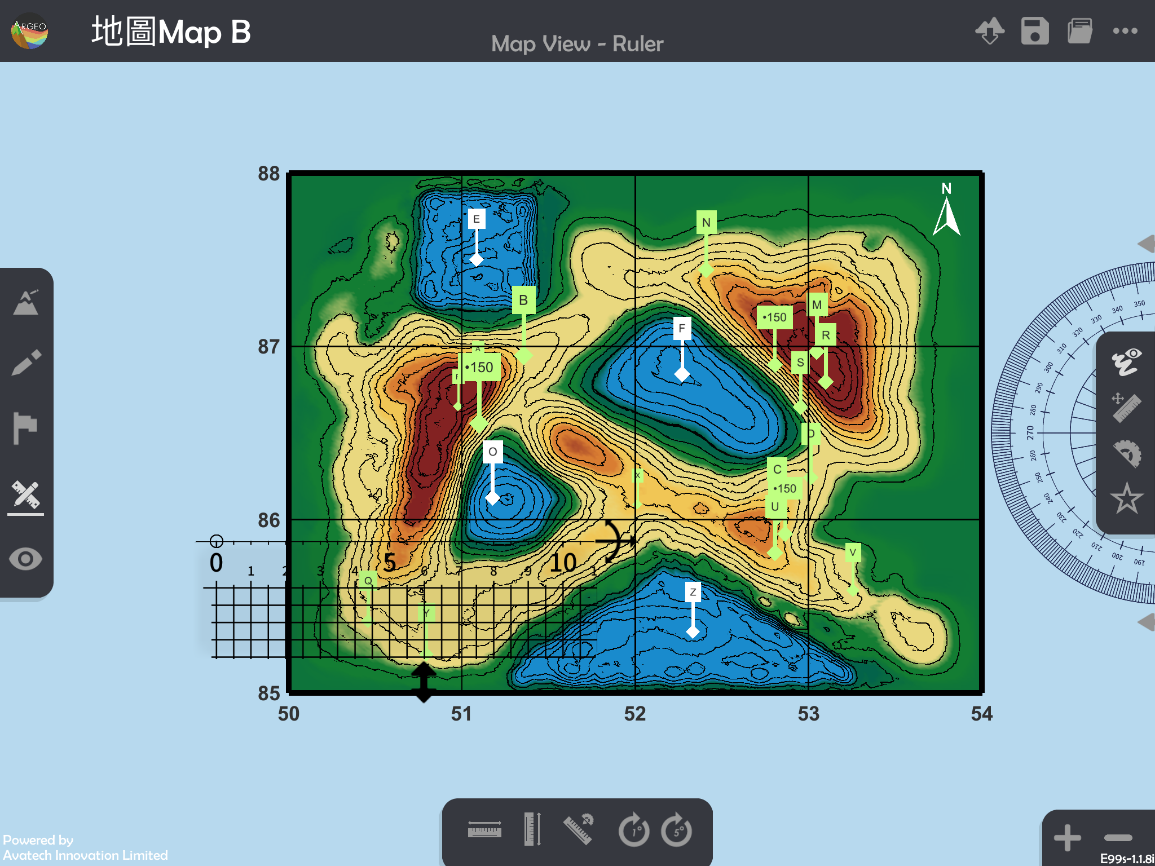
Place and adjust the ruler.
“Horizontal Ruler
 ” and “Vertical Ruler
  ” can be applied to adjust the ruler to horizontal or vertical.
“Enlarge” and “Reduce” can be applied to adjust the “Map view” to reduce the measurement error.
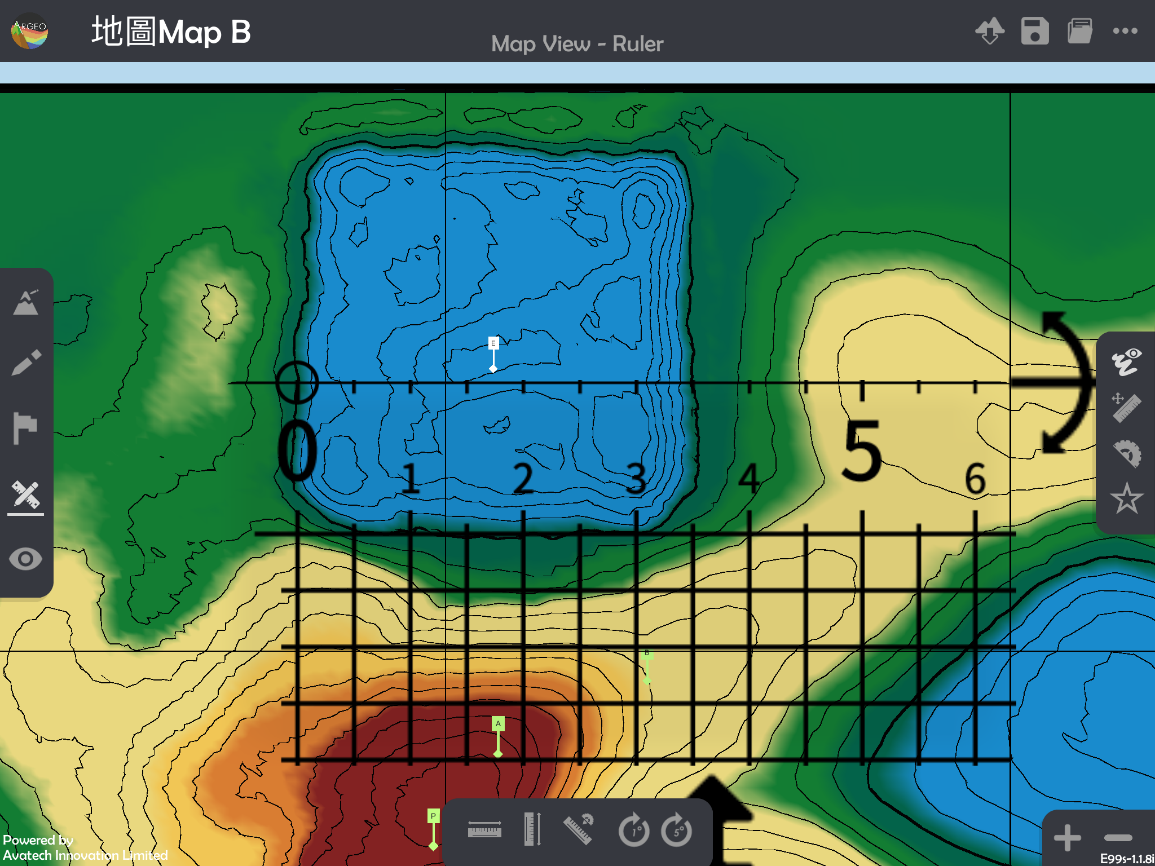
Calculate the actual area.
Calculate the actual area of irregular-shape object.
Select a “Preset Terrain
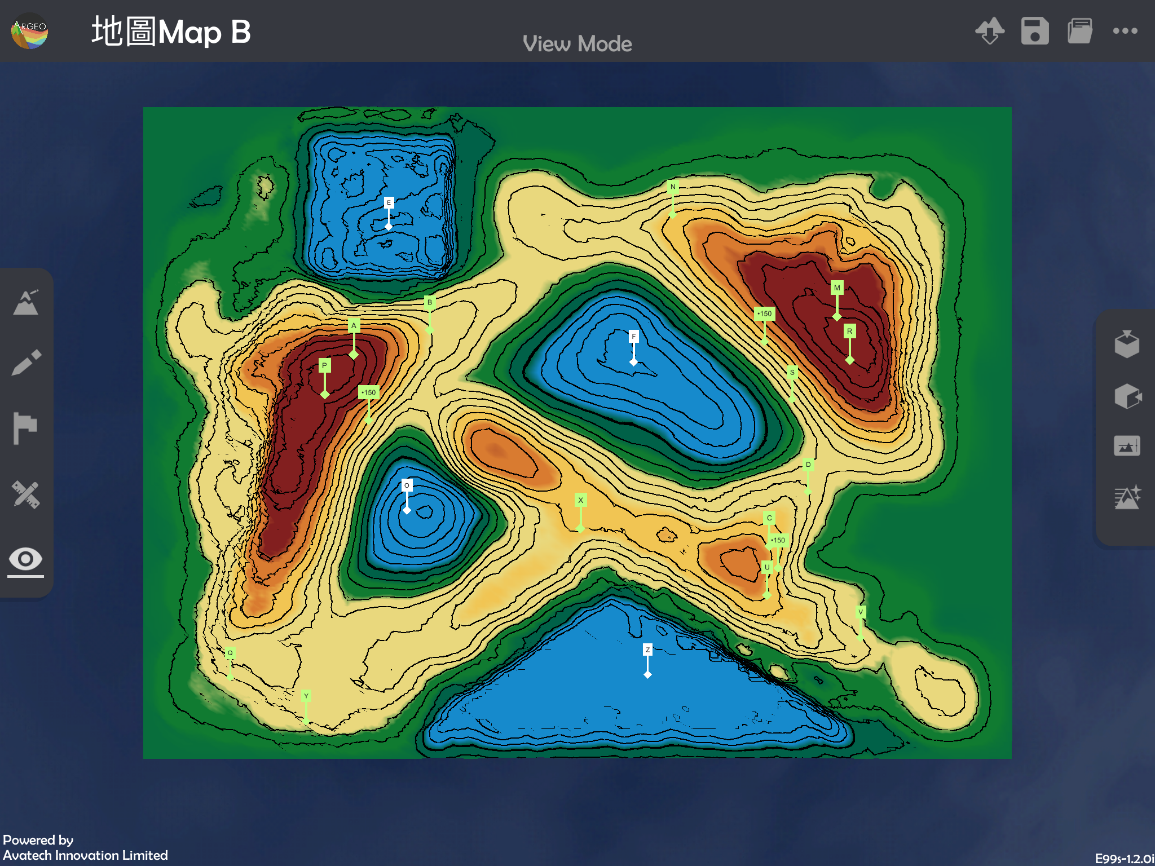
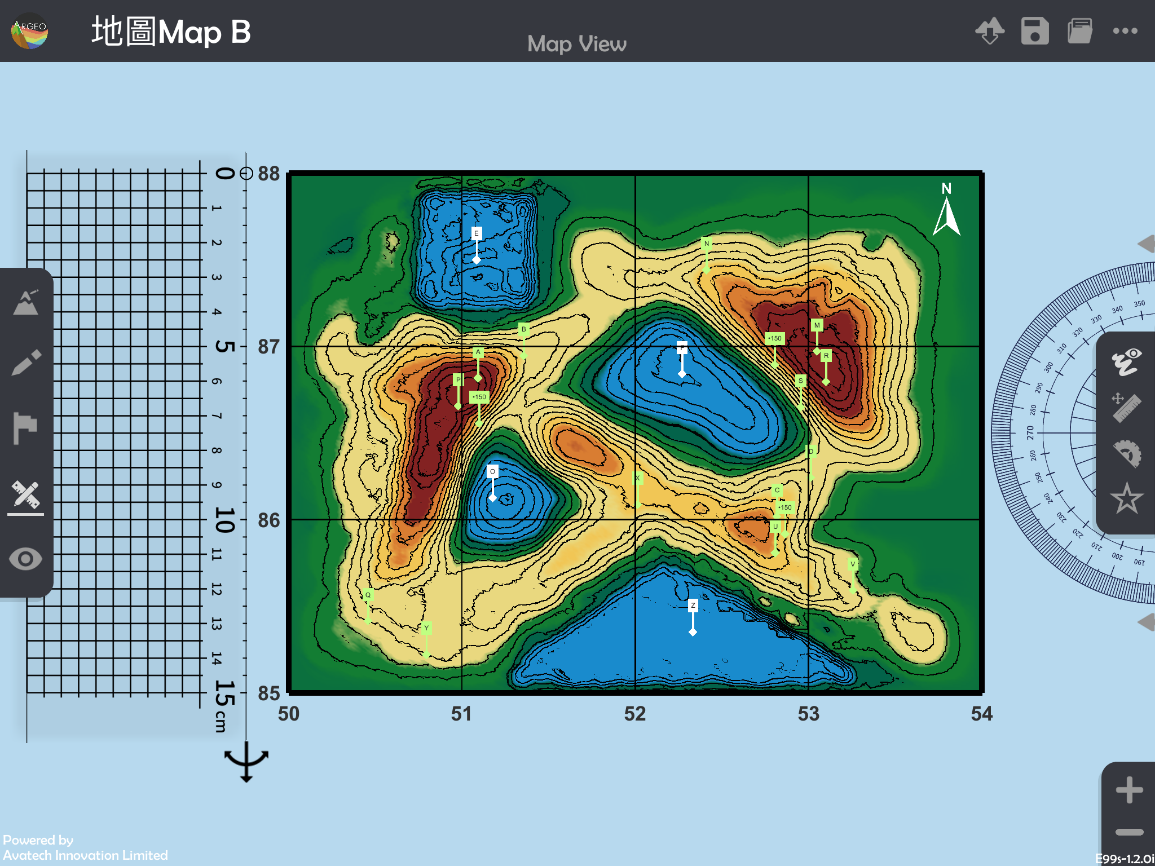
” or use “Terrain Modifying ” function to form a terrain. The following example is to calculate the actual area of hill, which in dark brown colour in grid squares 5286, 5287, 5386, and 5387.
Apply “Map View
“.
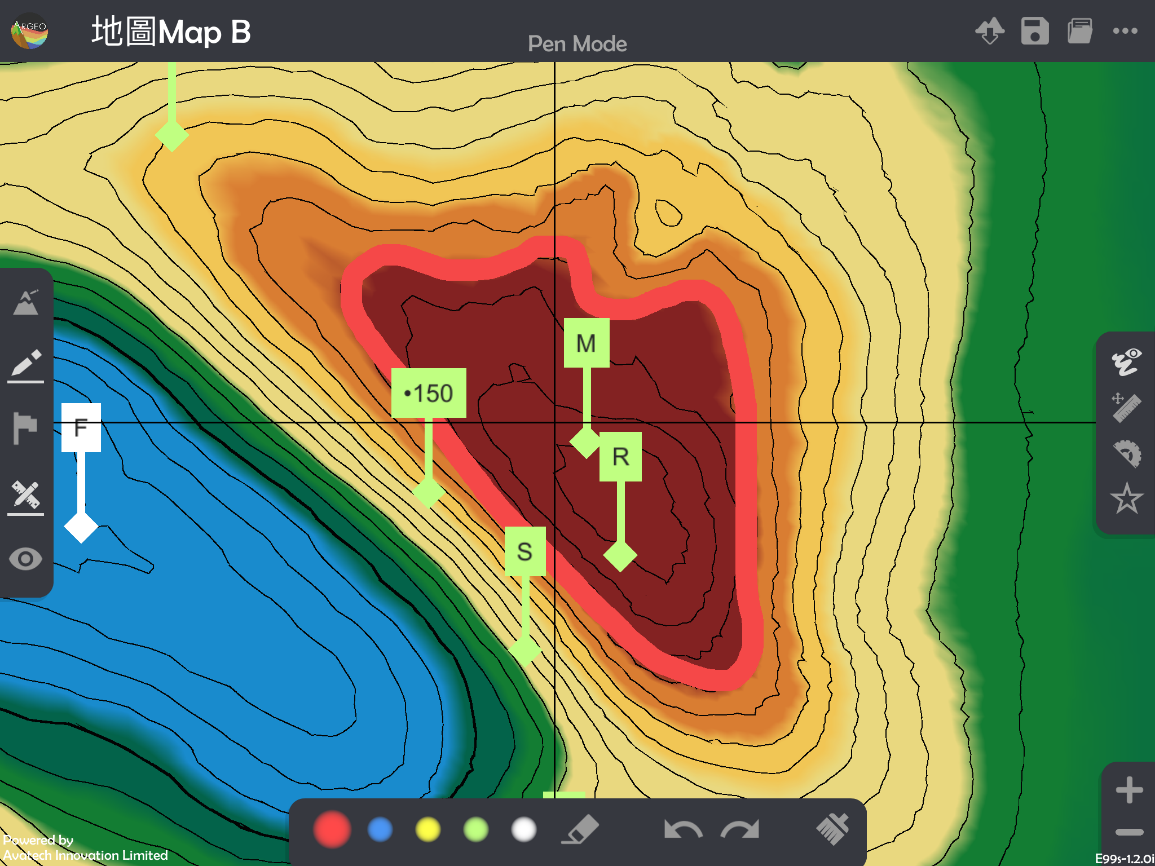
elect “Drawing Tools
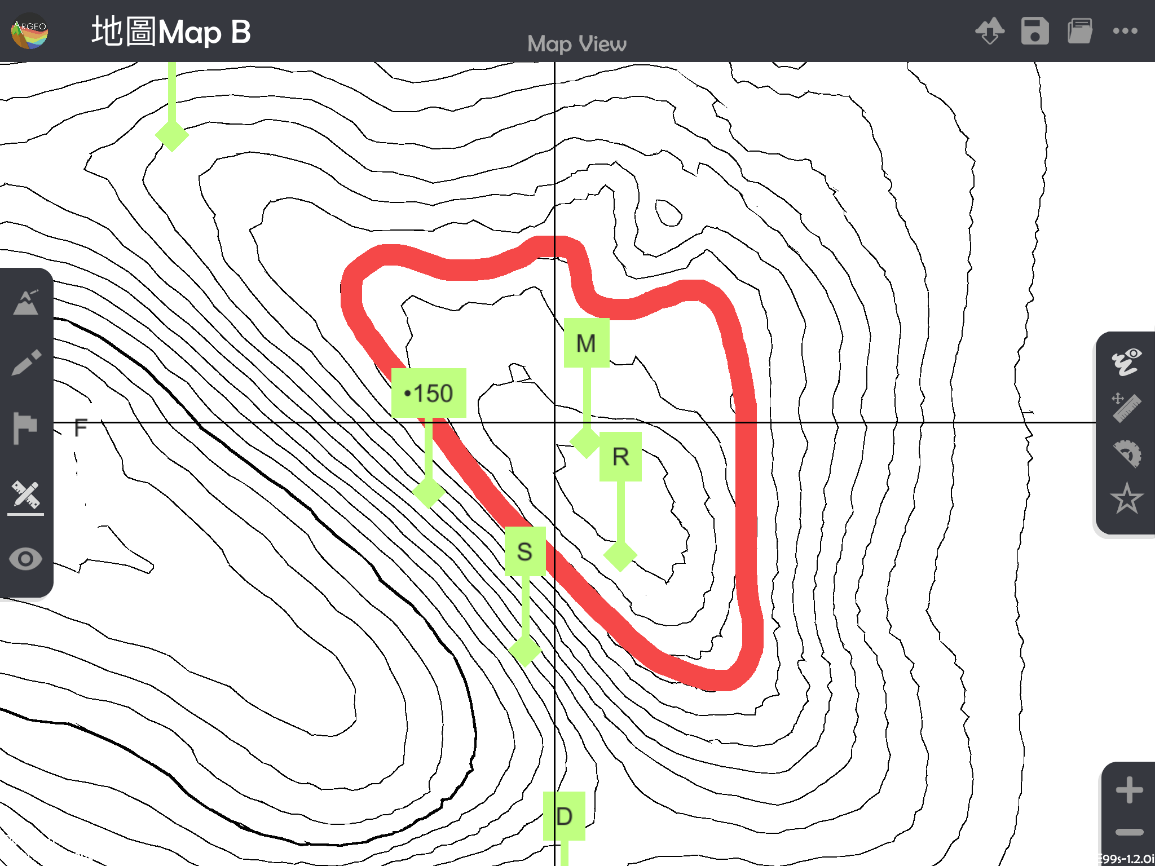
 ” and sketch the outline of the area which needs to be measured.
*White colour is NOT suggested to use in sketching as it will be difficult to calculate the area in the following steps.
*“Enlarge” and “Reduce” can be applied to adjust the “Map view” to reduce the error.
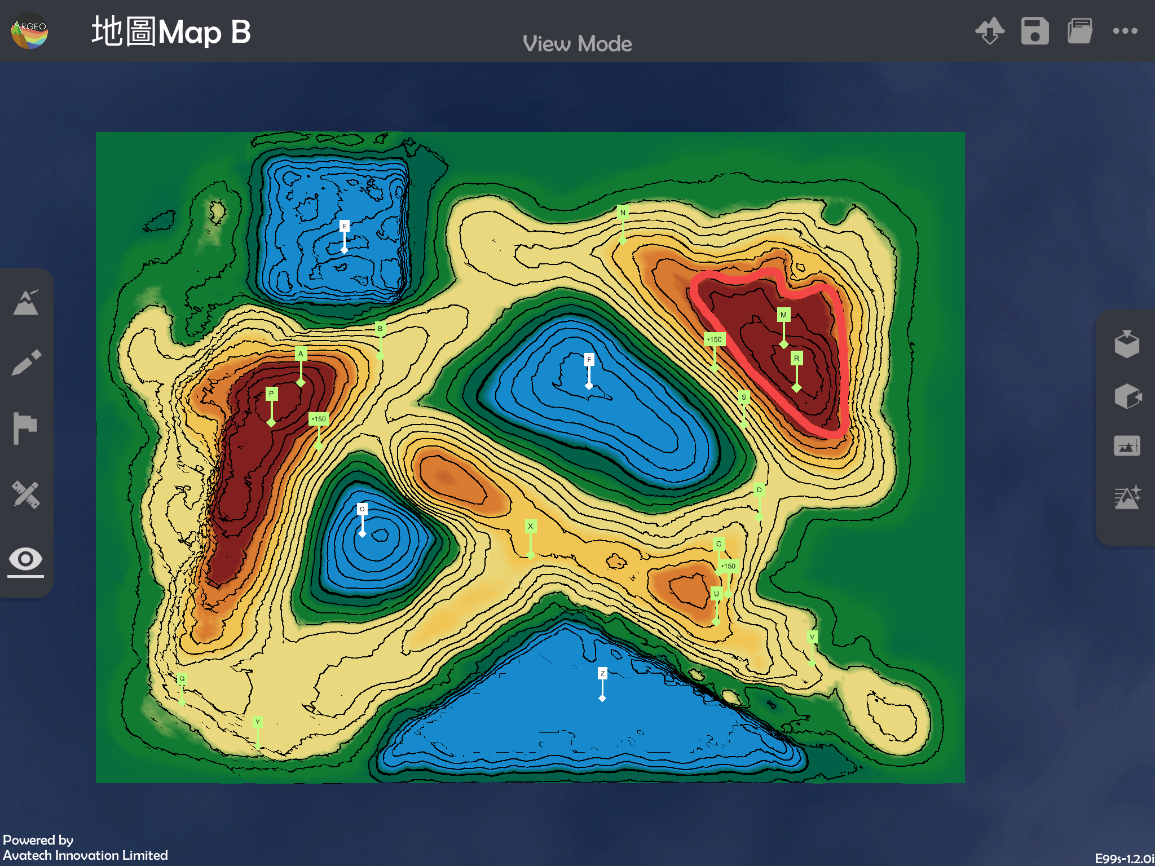
Apply “View Mode
 “.
“.
Apply “Environment Option
 ” and select the terrain material in black and white (missing signal logo).
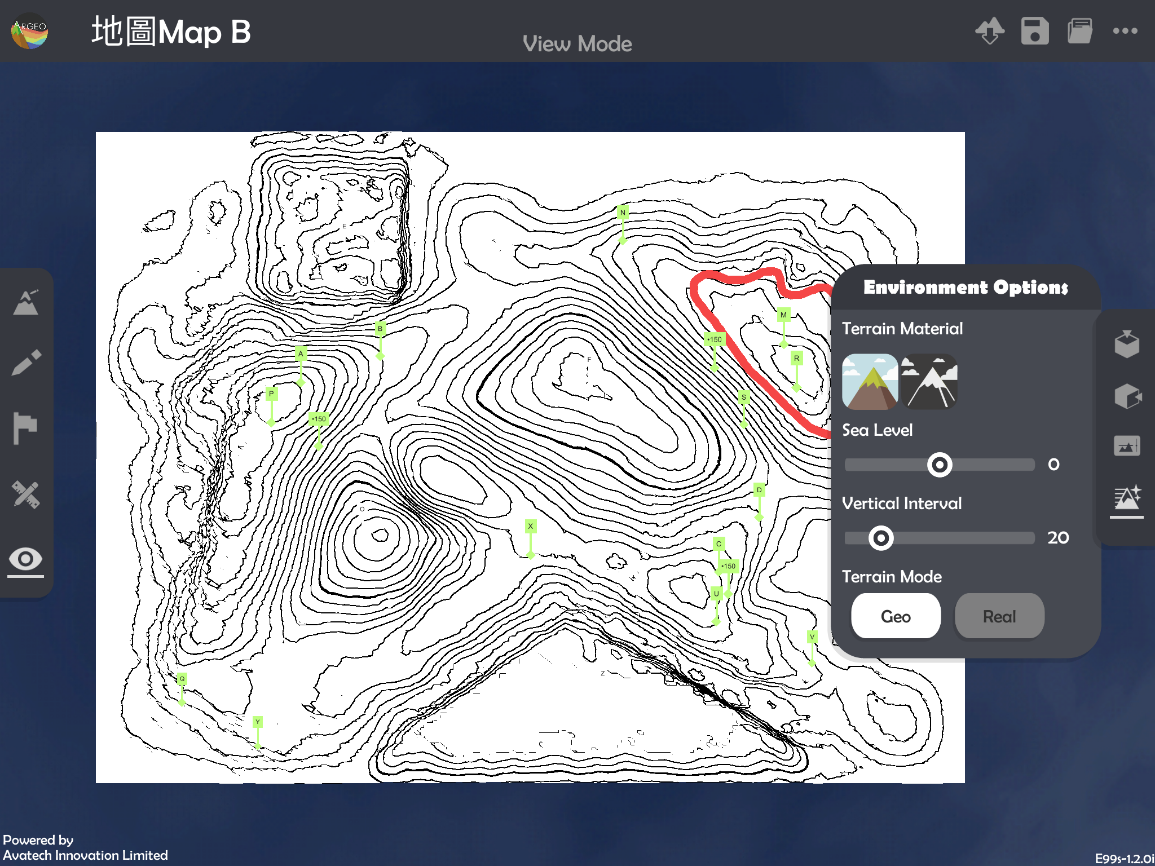
Apply “Map View
“.
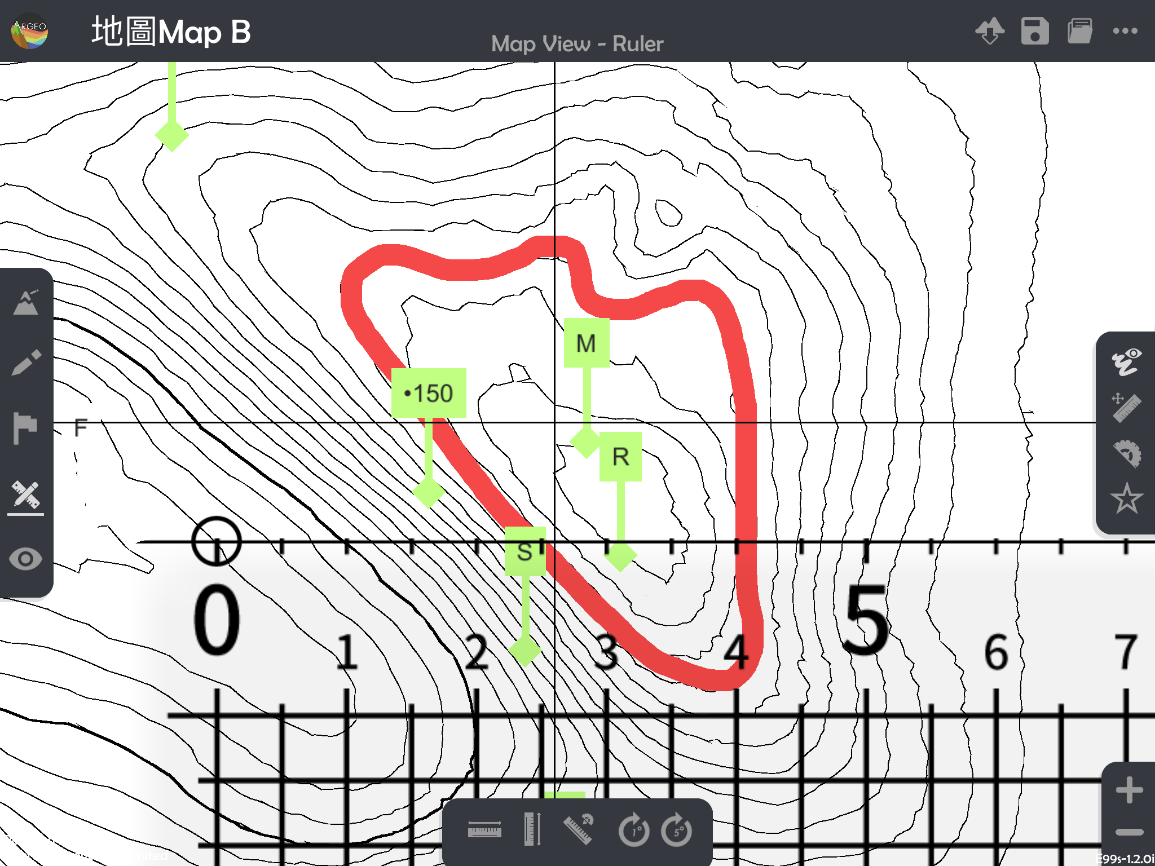
Select “Call Ruler
”.
Cover the grids on the object.
*Try to get as more complete squares as possible, when adjusting the ruler.
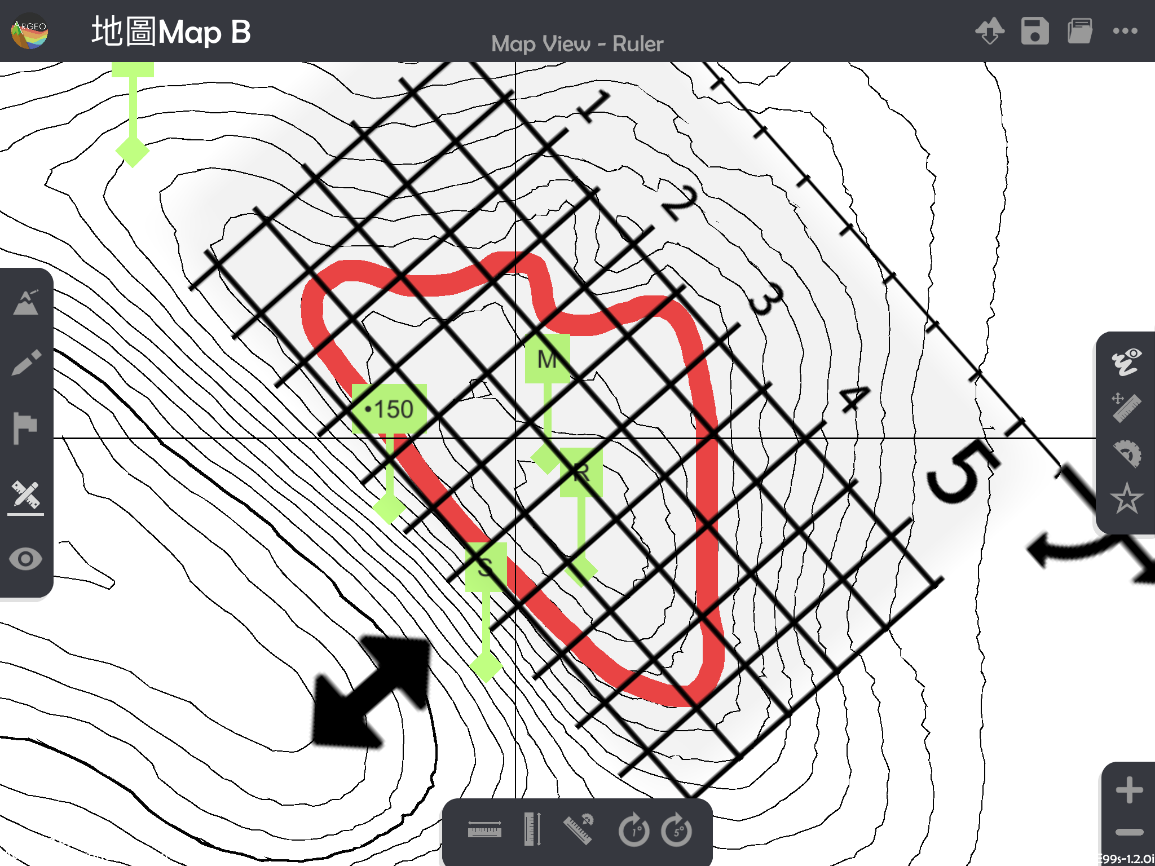
Count the number of complete and incomplete squares.
*The red numbers are the complete squares, while the blue numbers are the incomplete squares.
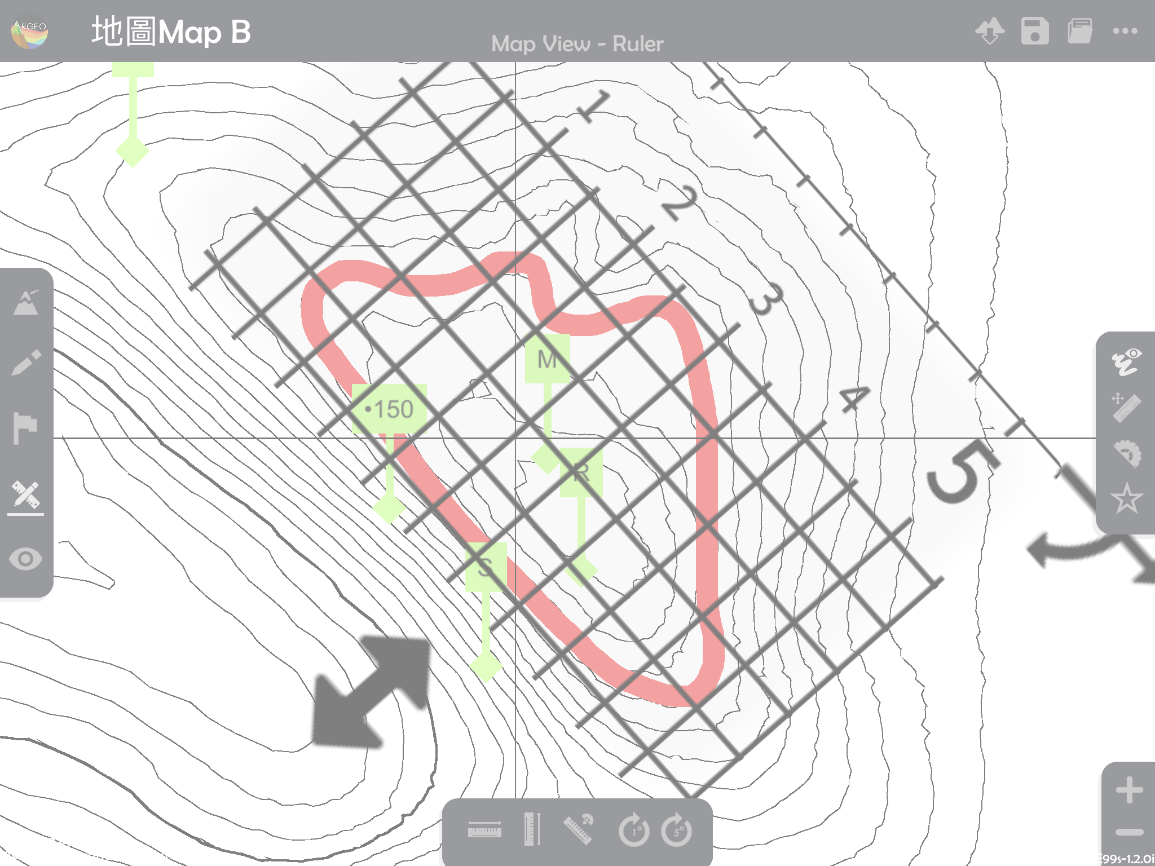
Calculate the total number of squares.
Calculate the actual area.
下載教學資源
Teaching Demonstration Download Here
工作紙及答案(中文版) Download Here
工作紙及答案(英文版) Download Here