Cross-section
Teaching Demonstration
The following demonstration shows the teaching procedures of cross-section by using ARGEO Portable.
Select a landform from “Preset Terrain
 ” or use “Terrain Modifying
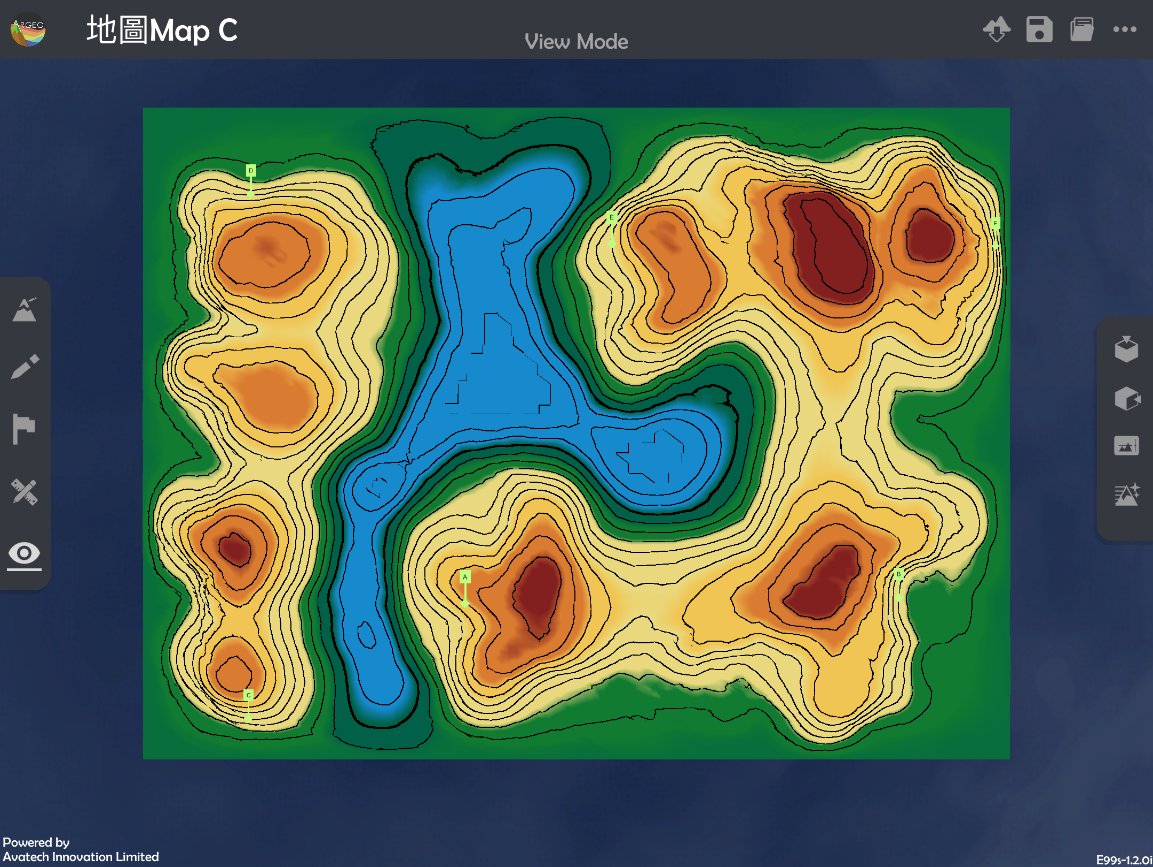
  ”function to create a landform. The following example is to draw a cross-section from point A to B in “地圖Map C Preset Terrain”.
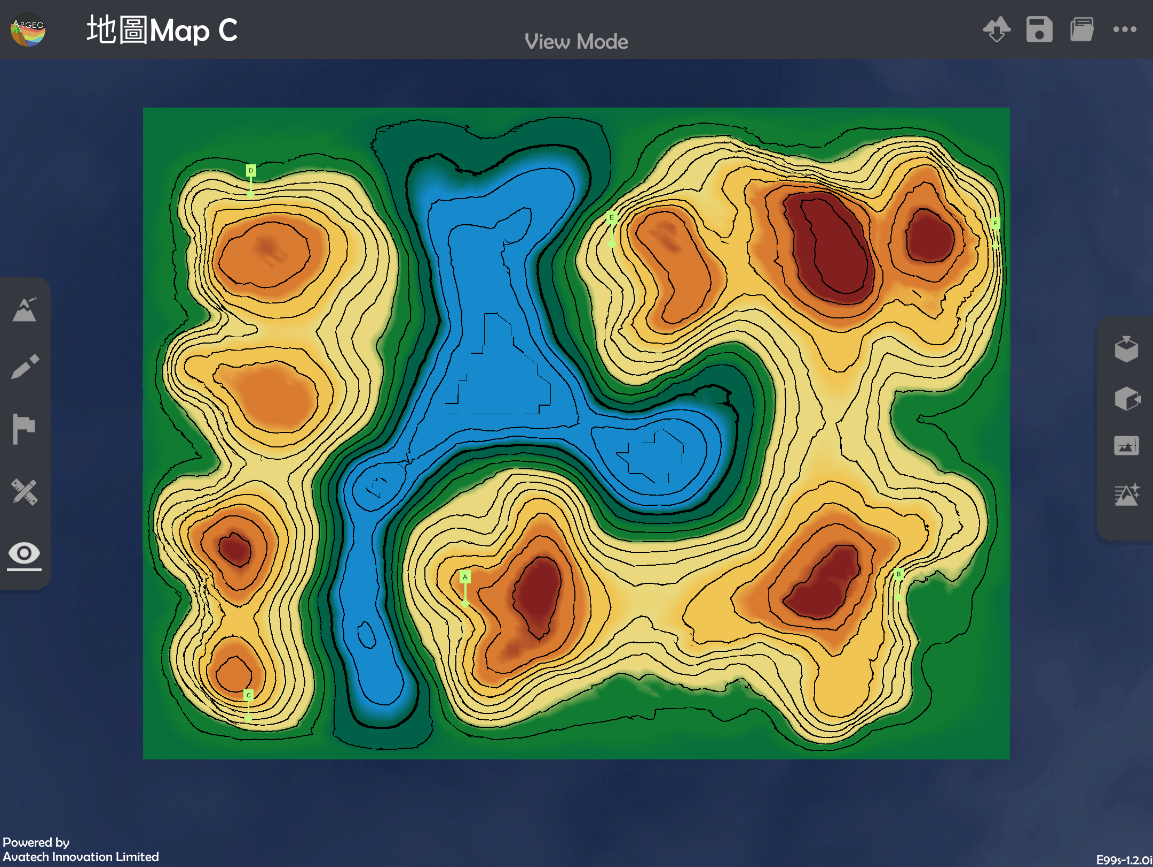
Apply “Map View
 ”.
”.
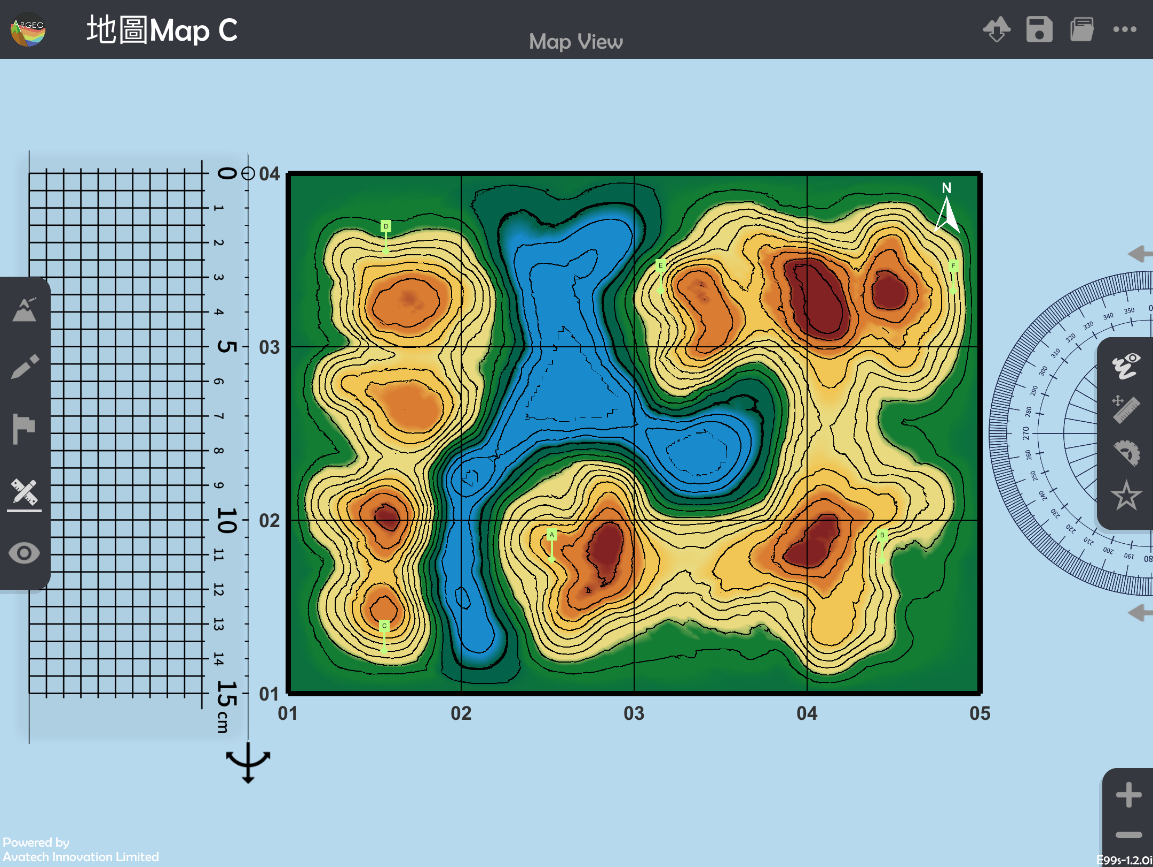
Apply “Get Ruler
 ”.
”.
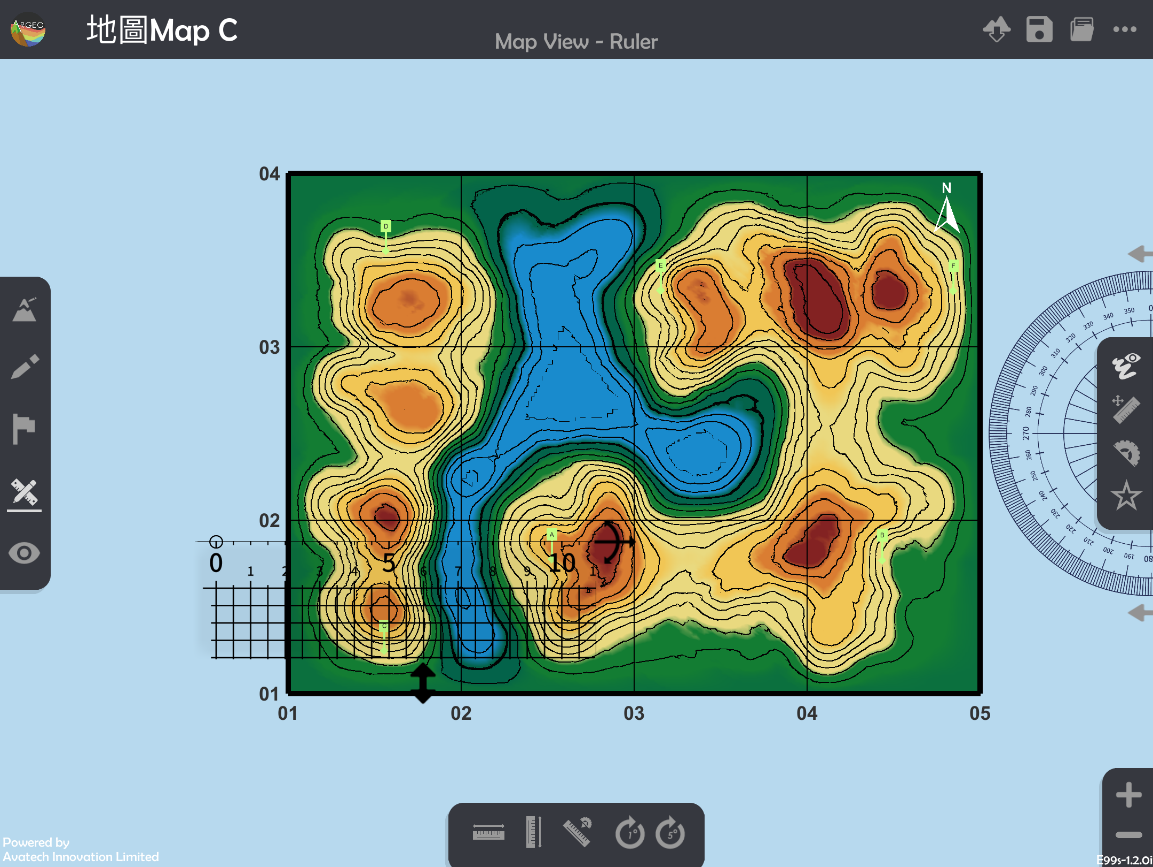
Place and adjust the ruler on Point A and B.
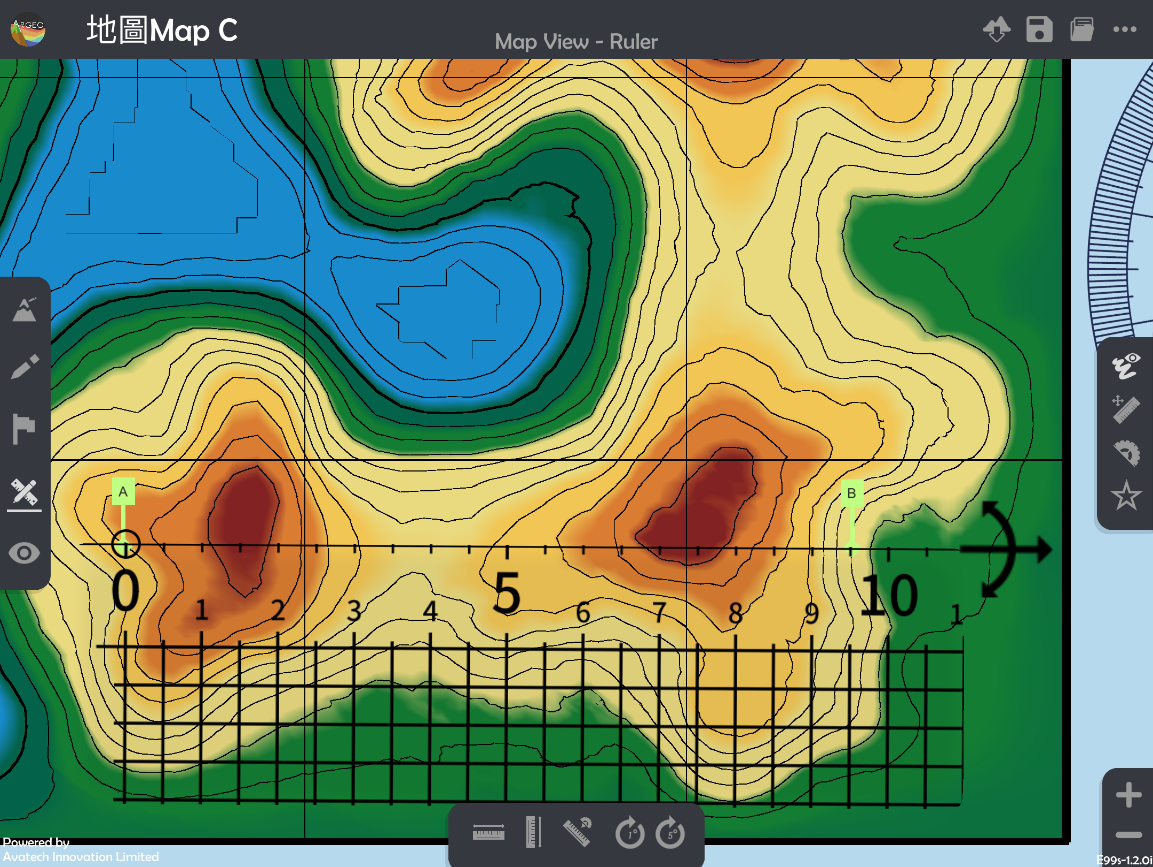
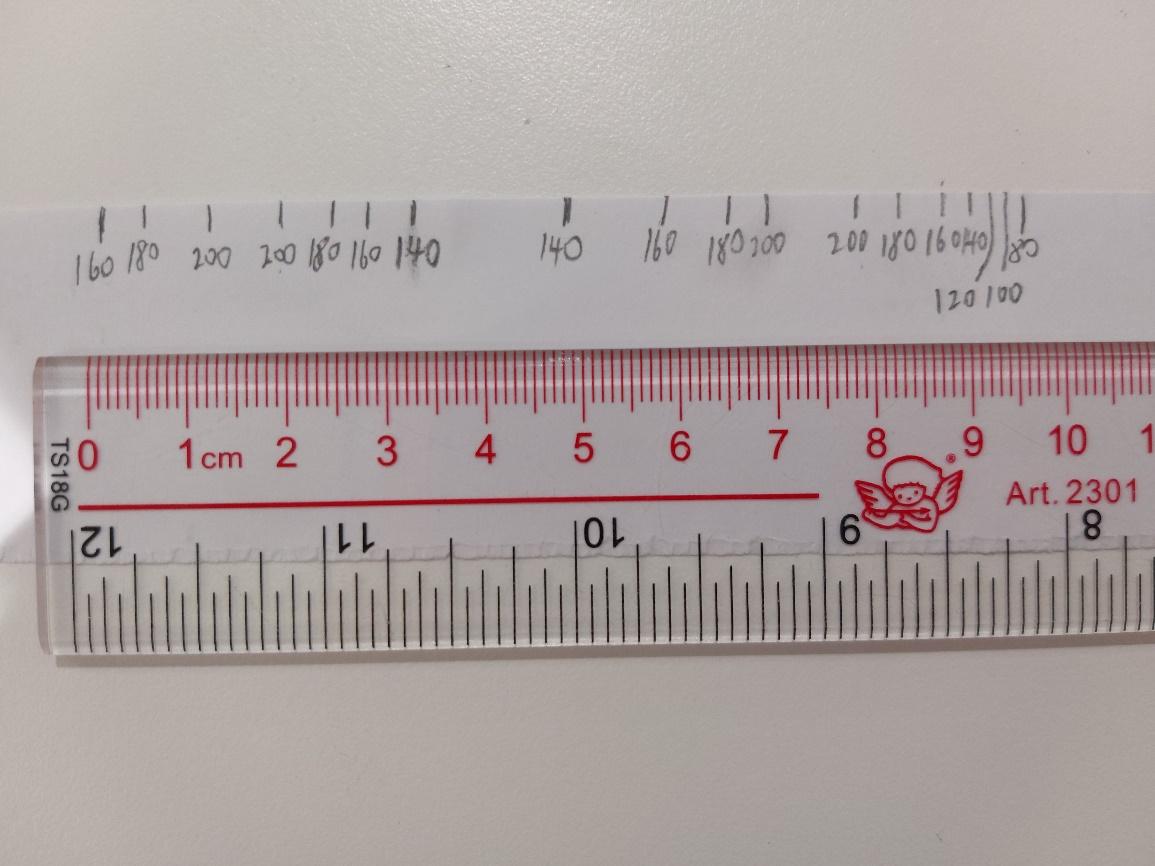
Record the height of contour lines across the Point A and B on a piece of paper and ruler in real life.
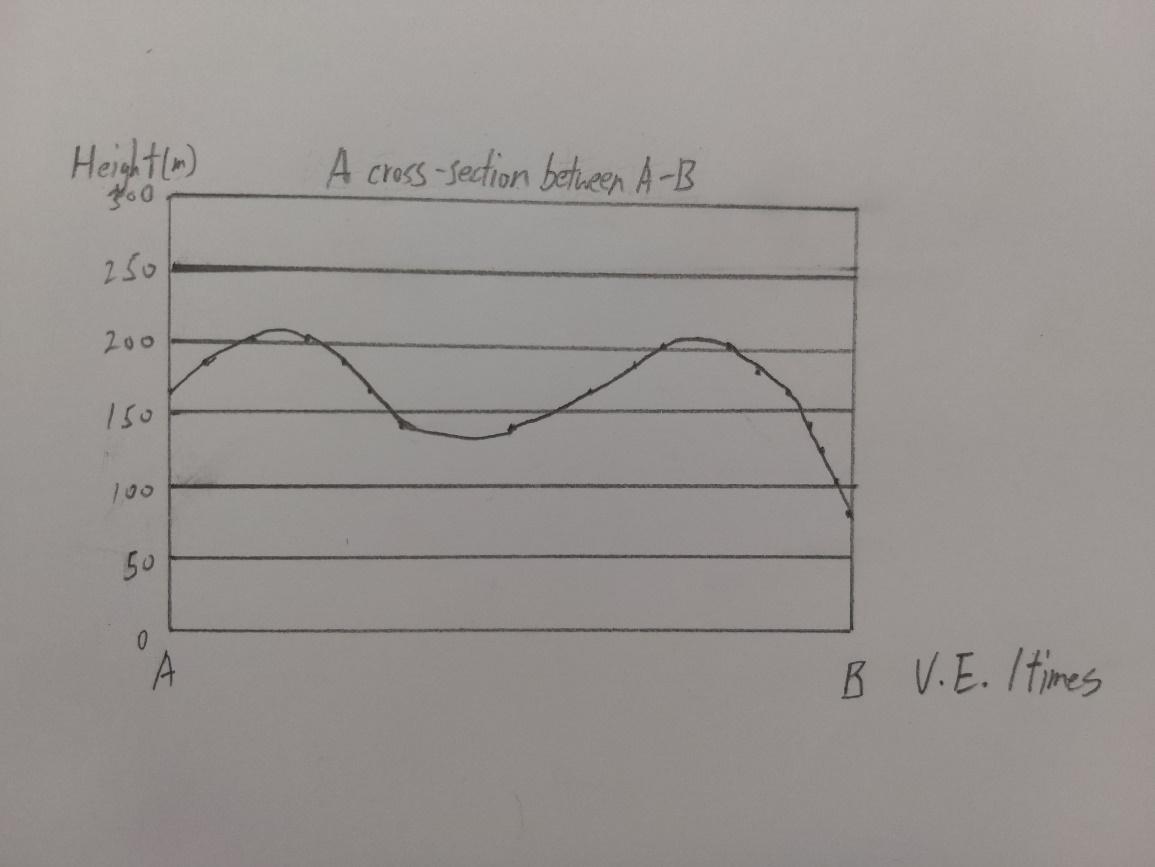
Draw the cross-section with the paper which records the height.
Apply “View Mode
 ”.
”.
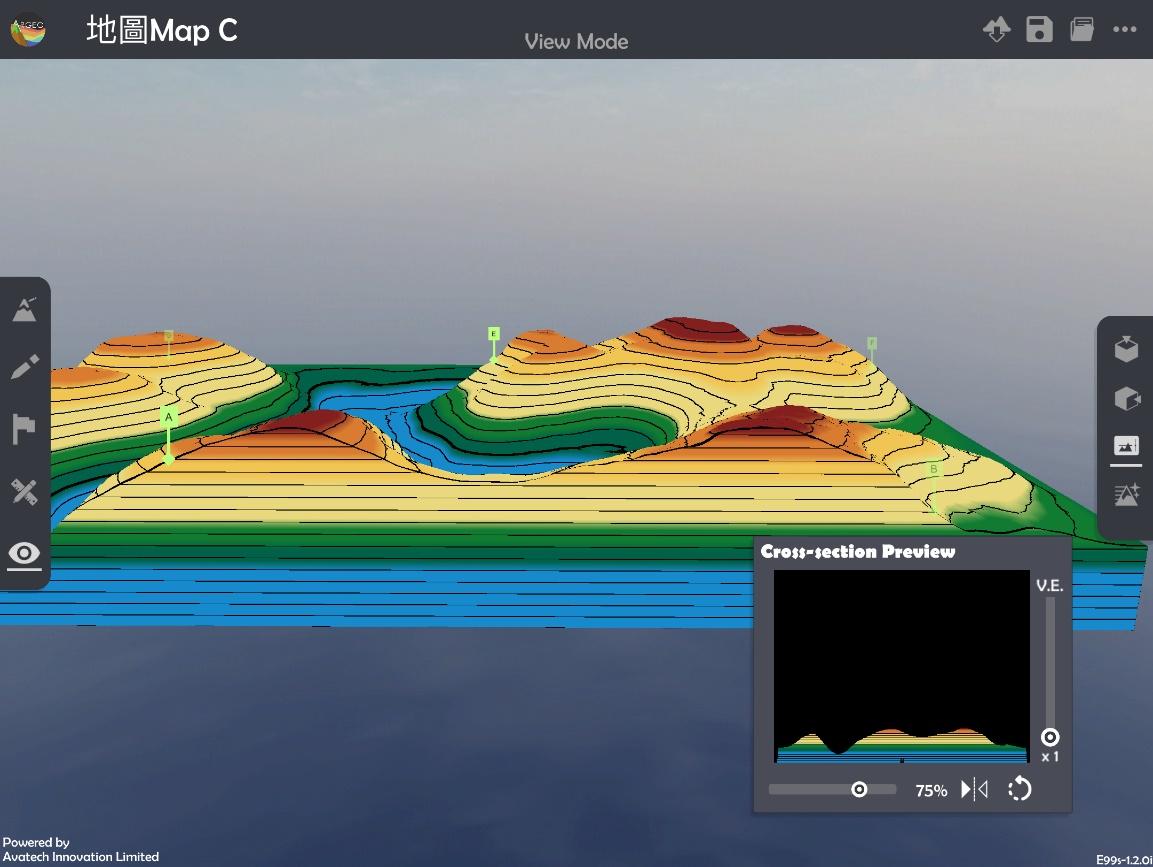
Select “Cross-section
 ” and use the slider to adjuct and position of cross-section and vertical exaggeration to check the cross-section.
下載教學資源
Teaching Demonstration Download Here
工作紙及答案(中文版) Download Here
工作紙及答案(英文版) Download Here